Use the item catalog to trace equipment and other resources from category and quality to acquisition source, recipe input, crafting output, and upgrade requirement.
Filter by the kind of resource you need
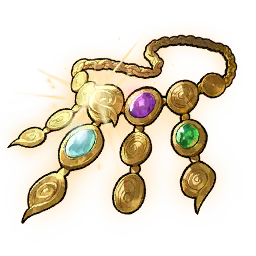
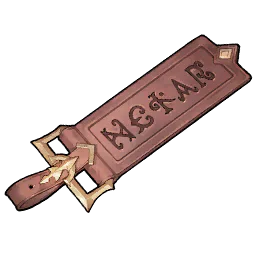
The item catalog contains 1,174 current items, including 240 wearable equipment items alongside dishes, titles, general resources, Karma-related items, cooking ingredients, quest items, hero souls, mounts, treasure maps, and Runes. Equipment appears here because its item page answers different questions about identity, category, quality, sources, and crafting; the equipment database remains the place for option pools, sets, and enhancement. Start with Type, then apply Category and Quality only when those fields matter. Search by localized name when you know the target, and clear the lowest-priority condition before assuming a missing result is unavailable.
Follow a source without inventing a drop rate
An item detail page lists acquisition labels from the current data, such as a monster, activity, shop, quest, map action, or crafting route. A source label shows where an item is associated, but it does not give a drop chance, daily limit, current event availability, travel time, or awarded amount. Open the map when a supported location can be resolved, and use the exact item name rather than a broad source category when several items share a route. If the source is intentionally broad, keep it broad instead of turning it into a precise farming claim. Confirm live schedules and account-specific access in game before budgeting stamina, currency, or a limited attempt around the label.
For crafting questions, ask two separate things: what is required to make this output, and which recipes consume this ingredient? Product recipes show the listed ingredient quantities and Gold or process requirements. Ingredient relationships show every known output that uses the current record. Do not merge the quantity for one craft with the amount needed for a larger plan; multiply only after deciding how many outputs are required. Cooking and general crafting are also different systems even when they use a similarly named resource. Following both directions prevents a valuable ingredient from being spent before checking a later recipe, and it makes duplicated names or quality variants easier to distinguish by their actual use.
Turn item rows into an upgrade checklist
When an item is connected to hero Awaken or Karma progression, open the relevant planner instead of copying quantities from several detail pages. Add every target, select the desired step, and let identical materials merge into one row. Required, owned, and remaining amounts stay separate, and the owned values are stored only in the current browser. The final list can be copied as tab-separated rows for a spreadsheet or personal checklist. Return links preserve the item catalog’s filters, so you can inspect a material and go back to the same shortlist without rebuilding the search. This workflow is more reliable than adding visible values mentally across heroes, Karma, recipes, and qualities.
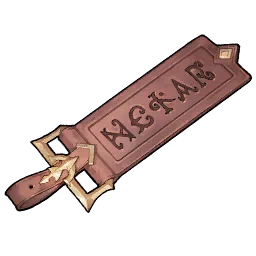
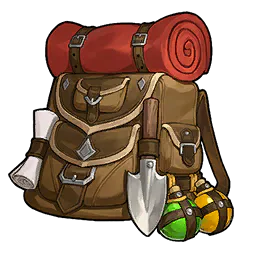
Similar names can belong to different qualities, categories, or systems. Compare the image, type, category, quality, source, and recipe relationships before deciding that two items are interchangeable. Open the detail page when the list alone does not show enough context. The database shows listed quantities and relationships, but it cannot know your inventory unless you provide it locally, predict a random reward, or guarantee that an event and shop remain open. Treat a missing source as unknown, not impossible, and revisit the page after a version update before committing limited resources.

 Superior
 Rare
Rare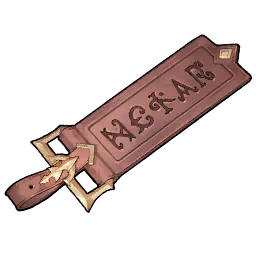 Rare
Rare Rare
Rare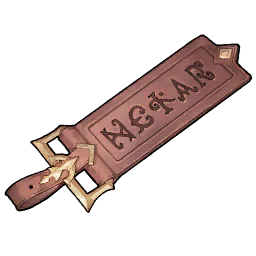 Normal
 Rare
Rare Legendary
 Rare
Rare Rare
Rare Rare
Rare Legendary
 Legendary
 Rare
Rare Legendary
 Superior
 Legendary
 Rare
Rare Superior
 Rare
Rare Epic
Epic Legendary
 Superior
 Rare
Rare Legendary
 Normal
 Superior
 Rare
Rare Epic
Epic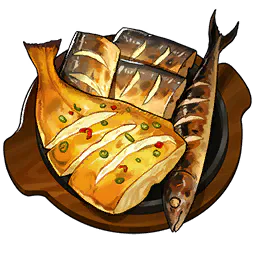 Legendary
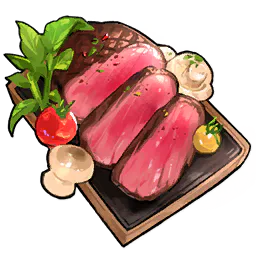 Normal