Browse
Familiars
Track every Familiar category, collection reward, movement ability, stamina rule, acquisition source, and adventure milestone.


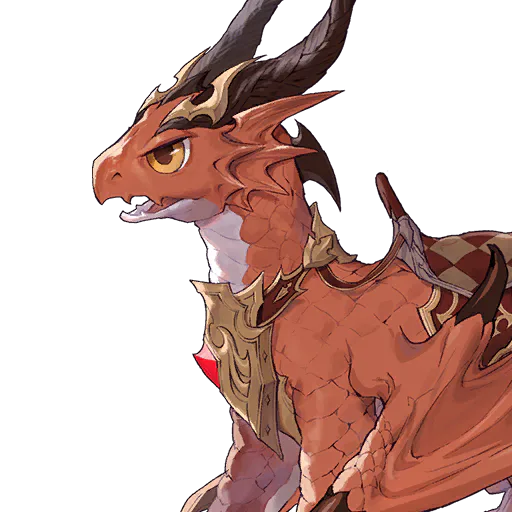

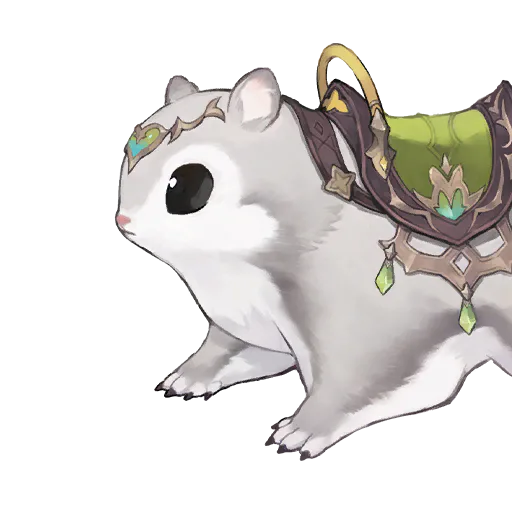








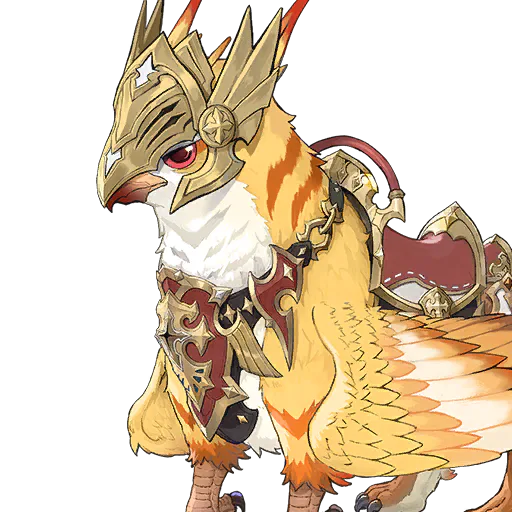








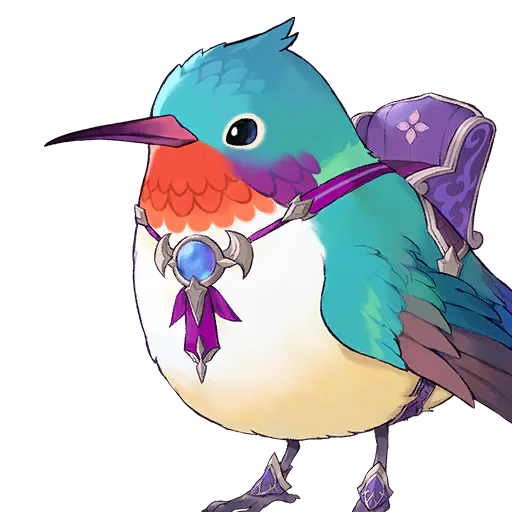


Familiar database guide
How to compare Familiars, travel stats, and abilities
Use the Familiar catalog to search and filter the Familiars, understand movement and stamina details, inspect abilities, and connect a choice to exploration or a saved team.
Use categories to answer a collection question
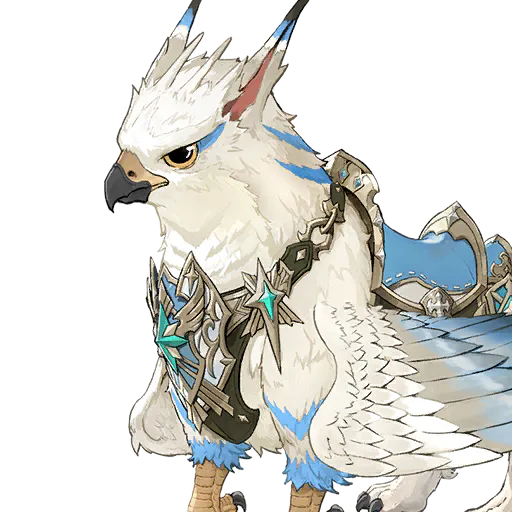
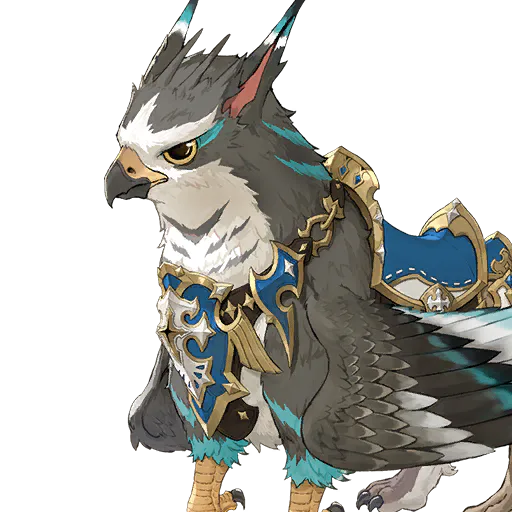
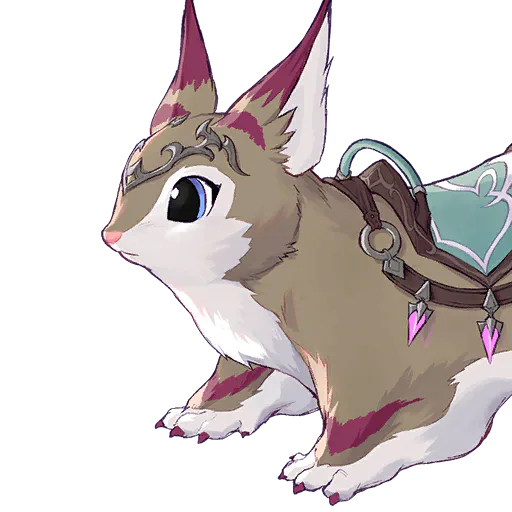
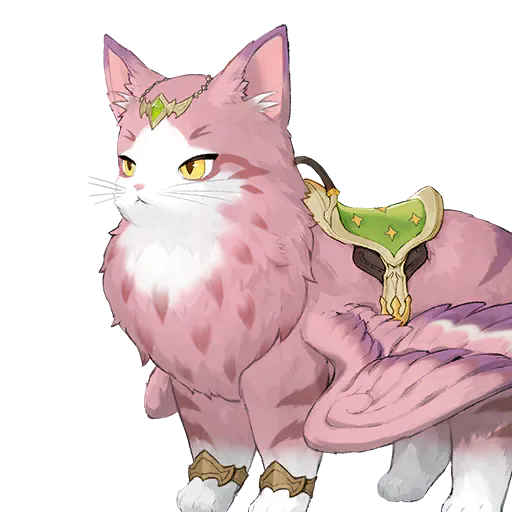
The Familiar page is a searchable catalog rather than a manual four-of-four collection tracker. Its 29 Familiars are grouped by the listed Familiar categories and shown in horizontal filters so every available group remains visible. Search by localized name when you know the target, or select one category to inspect comparable options. A category describes classification, not combat strength, rarity, ownership, or completion. The page does not assume that a Familiar is collected just because it appears in the database. Your actual collection progress is available on the Quest and Progress pages after loading a local save. This catalog helps you browse Familiars and open the detail needed for movement, ability, source, or team questions.
Read movement, stamina, and weight as different facts
Movement speed helps compare travel behavior, while stamina actions describe costs or recovery tied to the listed Familiar system. Weight is another listed detail and should not be silently converted into a speed or endurance score. Compare the same field across candidates and keep units and action context visible. A higher movement number can matter for exploration, but it does not mean easier handling, better combat, shorter routes, or superior performance in every area. If a detail page lacks a field, treat it as unavailable information rather than zero. Use the map to judge where the travel choice matters, and confirm terrain, obstacles, account unlocks, and live behavior inside the game.
Check native abilities and unlock conditions
A Familiar can have one or more native abilities. Open the detail page to see their names, descriptions, unlock levels, and other listed conditions instead of deciding from the portrait or category alone. An unlocked ability and an ability merely shown on the page are different states. The database lists the abilities associated with each Familiar, but it does not invent cooldowns, hidden coefficients, target behavior, or effects that are not described. Compare abilities that serve the same practical goal and check the decisive effect in game, especially when a translation is short or the behavior depends on terrain, summoning, travel, or an encounter.
Treat the Familiar slot as a separate team decision
The team builder stores one Familiar choice alongside the three heroes, but that choice does not create or repair a Tag-skill chain. Hero links are checked from applied statuses and activation conditions in hero skills. The Familiar slot should therefore be evaluated for its own listed ability and movement role after the hero route is valid. In the build planner, a Familiar is saved with each hero configuration so a loadout can represent the intended companion without replacing equipment or Karma. Keeping these layers separate makes failures easier to understand: a broken hero connection remains broken even when a strong Familiar is selected, and a useful travel Familiar does not need to be ranked as a combat connector.
Choose a Familiar for a teamAdd a Familiar to a build
Verify acquisition and ownership in the right place
The detail page can expose listed source labels and relationships, but a source does not guarantee a drop rate, current event, shop stock, or account access. Use a map link when a location is listed and keep broad source label broad when the page is not more precise. To see what your account has actually collected, load the local save on the progress-oriented pages; the file is processed in the browser and is not uploaded. The Familiar catalog itself does not mark records manually or turn the number of listed Familiars into a completion percentage. Recheck acquisition in game before spending limited currency, and revisit the page after a version update if an ability, source, movement value, or category changes.